Mobile App
Mobile App Design: How to Plan Screens and User Flow
How to plan mobile app design: user flow, screen list, roles and prototyping basics for a good app.
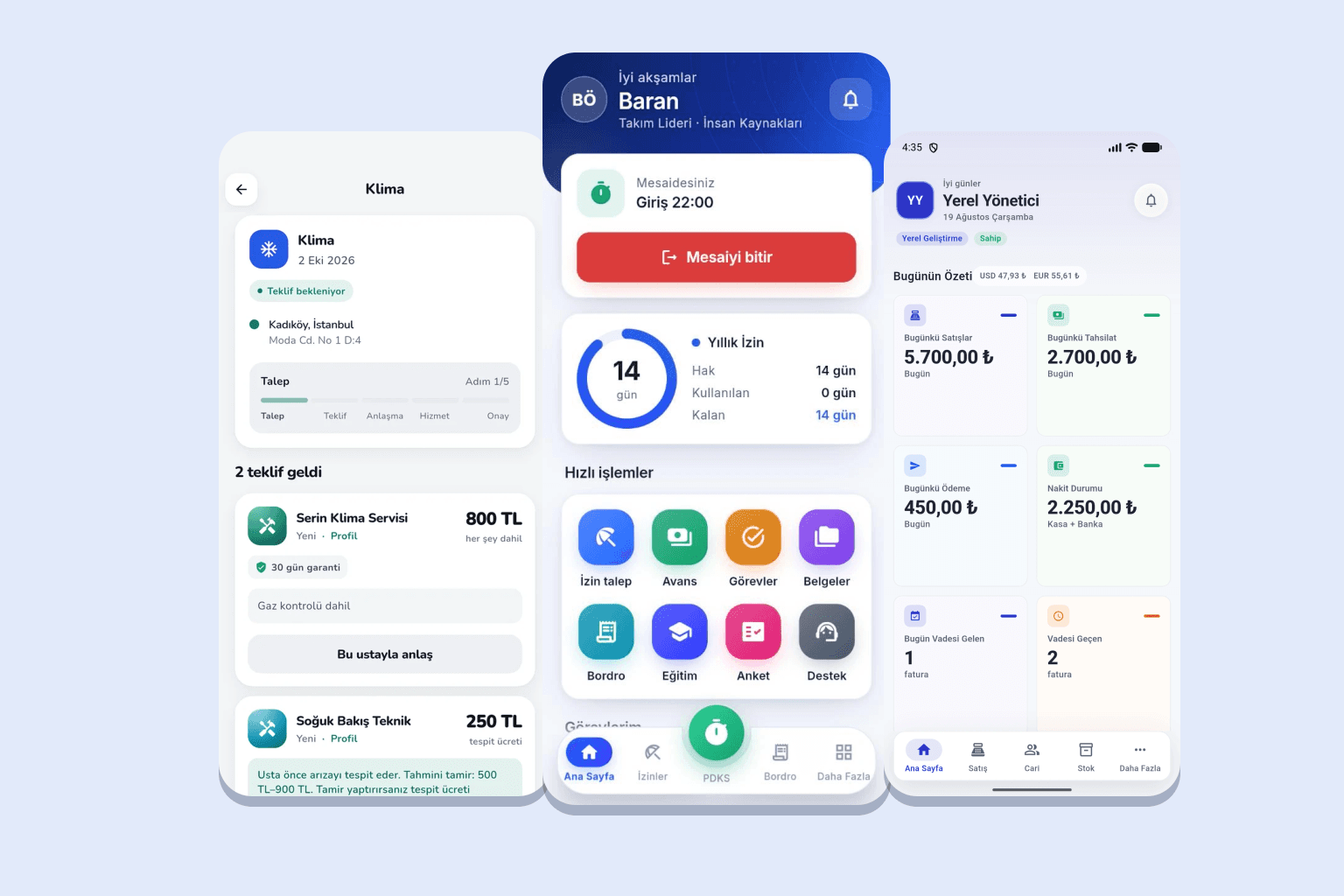
Most people think of colours and looks when they hear mobile app design. Most of good design is invisible work: building a flow that lets users finish their job in the fewest steps.
Design is more than looks
Users usually open an app for a quick job such as creating a request, approving a record or looking something up. Design should let them finish with as few taps and errors as possible. Visual polish supports this but cannot replace it.
Start with the user flow
Before drawing screens, write the path the user will follow. For a leave request in a personnel app: the employee opens the leave section, picks dates and type and sends the request, the manager is notified and approves or rejects, and the employee sees the result.
How to build the screen list
Each flow step maps to one or more screens. Consider what the home screen shows, which screens are lists, details or forms, how empty states and errors look, and what happens with a weak connection. Limiting screens in the first release reduces both cost and time.
Design by role
Different roles use the same app for different purposes, so an employee and a manager need not see the same screens. Defining what each role sees and does during design improves both usability and security.
Prototype and feedback
A clickable draft of the screens before development lets you test ideas without coding. Showing it to a few future users and watching where they get stuck often yields the most valuable feedback.
Evaluate your production software scope
Senin Soft designs focused production and ERP solutions around real operational needs.
Explore manufacturing software