Manufacturing (MES)
Work Order Tracking: How to Monitor Production Operations
A practical structure for work-order status, operation flow, shop-floor data and production exceptions.
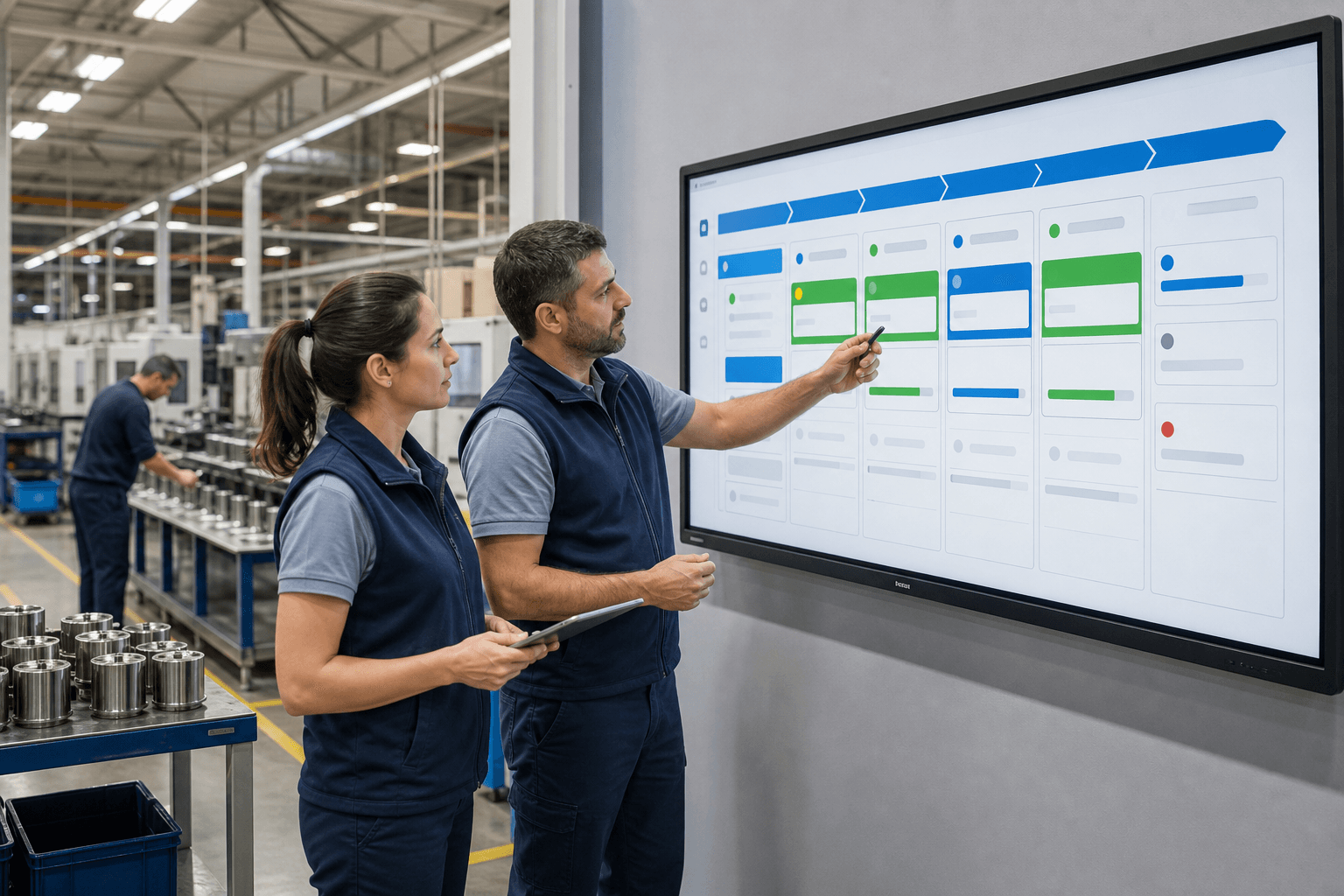
A work order translates a production requirement into an executable and traceable instruction. Effective tracking makes its current stage, responsibility and exceptions visible.
Work order and operation are not the same
The work order represents the production objective. Operations are the individual steps required to reach that objective. One order may include preparation, machining, assembly, inspection and packaging.
Essential work-order data
Only collect information that supports execution, traceability or a defined decision.
- Unique order number and product
- Planned and actual quantity
- Planned dates and priority
- Operation route and responsible work centre
- Material, quality and exception records
A usable status flow
Statuses must represent operational reality and have clear transition rules.
- Opened
- Planned
- In production
- Waiting or blocked
- Completed
- Closed
Collecting data from the shop floor
The best input method depends on the environment. A terminal, tablet, barcode scanner or machine connection may be used, but the interaction must remain faster than the manual workaround it replaces.
Start with a controlled scope
A first release can focus on current status, actual quantity and one exception type. Quality, detailed costing and machine signals should be added only when their use is clear.
Evaluate your production software scope
Senin Soft designs focused production and ERP solutions around real operational needs.
Explore manufacturing software