Remote Desktop
What to Consider When Looking for an AnyDesk or TeamViewer Alternative
Looking for an AnyDesk or TeamViewer alternative? Criteria for choosing another remote desktop program: free terms, security, features and ease of use.
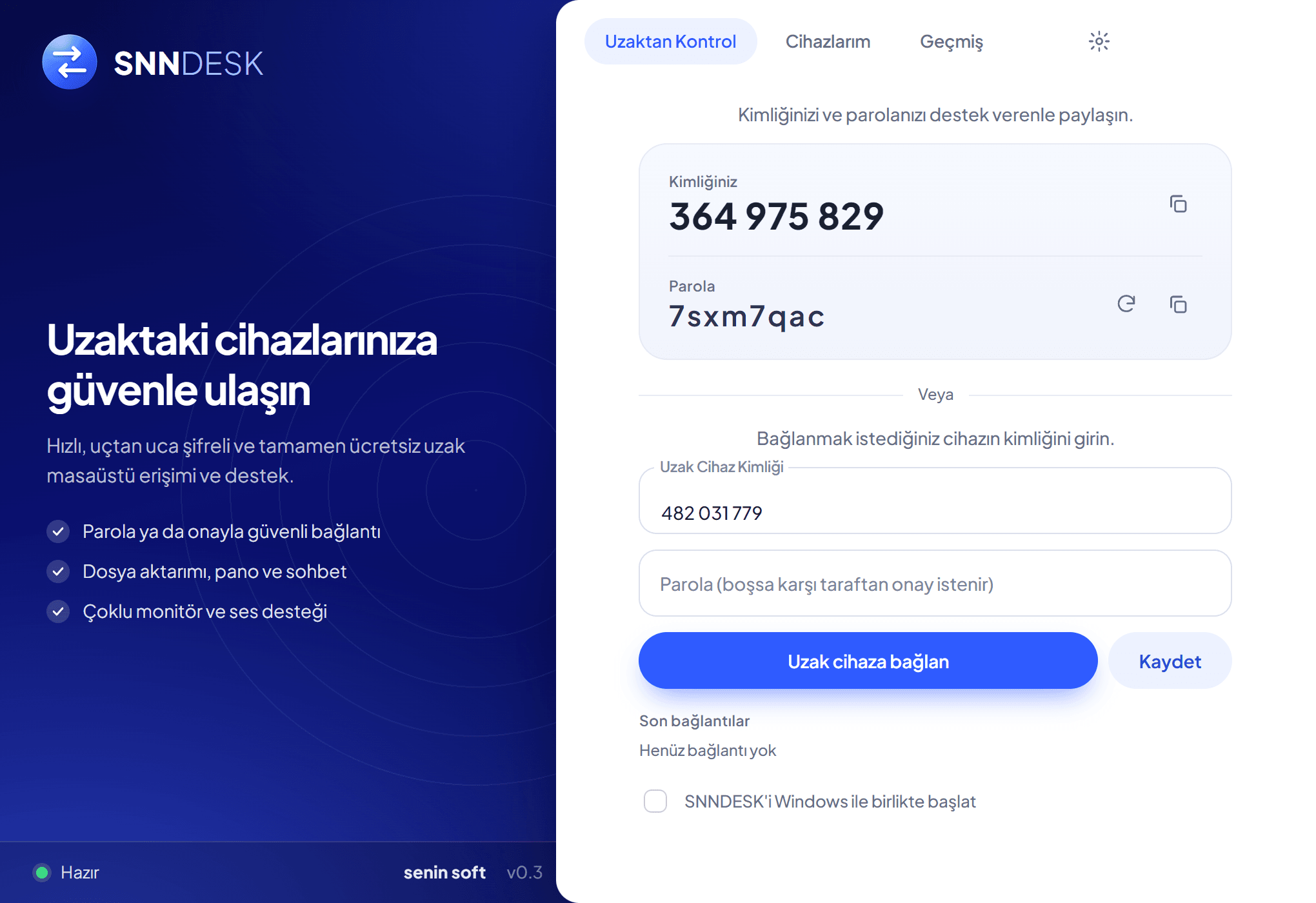
AnyDesk and TeamViewer are among the first names that come to mind for remote desktop, yet many people look for alternatives for different reasons. This article covers the criteria to use. Brand names belong to their owners and nothing here is a comparison or a claim of superiority.
Why people look for alternatives
Common reasons are free use not covering the need, not wanting to create an account, wanting a simpler interface or quicker setup, needing specific features such as session recording, device management or remote printing, and wanting no limit on users or devices.
Criteria for choosing an alternative
Check the free terms, security (encrypted connection, approval or password, lockout, visible session), the features you really need, platform support, a clear privacy statement and how easy it is for a non-technical person on the other side.
Try it before switching
Install it on two computers and run a real scenario end to end, such as transferring a file or opening a support session. Do not remove your current program until you are satisfied.
Our note: SNNDESK
We are not neutral here: Senin Soft built SNNDESK. It runs on Windows 10 and 11 and includes remote screen, file transfer, chat, clipboard sync, multi-monitor, session recording and device management. It needs no account and is currently free. You can evaluate it against the criteria above for your own needs.
Evaluate your production software scope
Senin Soft designs focused production and ERP solutions around real operational needs.
Explore manufacturing software