Remote Desktop
How to Choose a Remote Desktop Program: A Guide Including Free Options
What a remote desktop program does and what to check when choosing one, especially a free one: security, usability, file transfer and support needs.
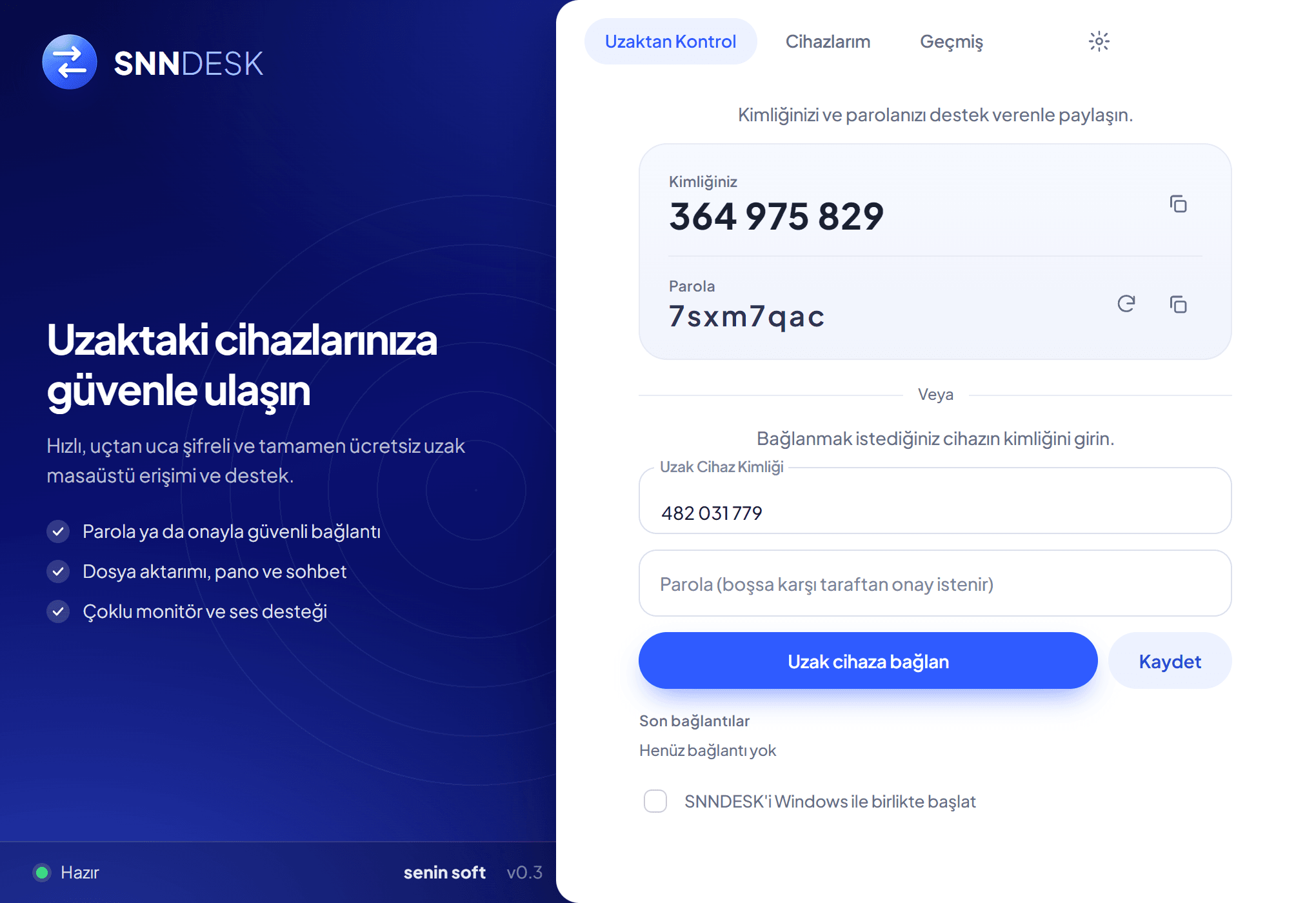
Many programs let you connect to another computer remotely. They look similar, but the right choice depends on how you will use it. This article lists the questions to ask before choosing.
What a remote desktop program does
It lets you see another computer's screen from yours and, when permitted, control it. Typical uses are giving remote technical support, reaching an office or home computer from outside, transferring files and managing several devices from one place.
Define your purpose first
Will someone be at the remote computer, or do you need unattended access? How many devices will you connect to? Do you need file transfer, chat or session recording? How technical is the person on the other side?
What to check for security
Remote access opens the door to your computer, so check security first.
- Encrypted connection
- Approval or password required from the other side
- Lockout after failed attempts
- A visible session indicator and the ability to end the session at any time
- Permissions such as control and file access off by default
- A clear privacy statement on whether screen and file content is stored
Features that ease daily use
Smooth screen sharing and multi-monitor support, file transfer and clipboard sync, in-session chat, a saved device list for unattended access, session recording and automatic updates. You may not need all of them; what matters is that the features your work needs are present.
Points to watch with free programs
Check what free covers (personal or commercial use, time or device limits), whether an account or ads are required, whether privacy and terms are clearly published, and download only from the official source. An unsigned app may trigger a Windows warning; in that case you can verify the file hash on the publisher's page.
Short checklist
Is my purpose clear? Is the connection encrypted and approval-based? Does it have the features I need? Does the free tier cover my use? Are privacy and terms clear? SNNDESK, which we built, is one option: it runs on Windows 10 and 11, needs no account and is currently free.
Evaluate your production software scope
Senin Soft designs focused production and ERP solutions around real operational needs.
Explore manufacturing software